SVG/Image Ornament
 LENgraving
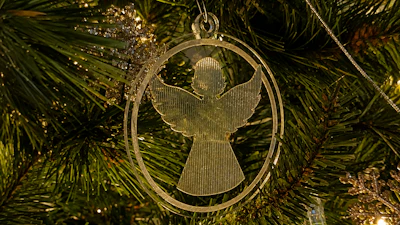
Give your decorating a bit of modern or traditional flair! Generate an ornament out of virtually any type of graphical input.

Instructions:
Select a desired Input SVG or Image. Open the project to make any further refinements.
Make any necessary adjustments (
Scale Adjustment Factor,Mirror Design, etc).Expand and set
Shrink-Wrap SettingsandHole Settings.Download and use the Output component.
Input:
Output:

Related:
Check out these other LENgraving projects!
Makes & Comments
You must be a member of Cuttle Pro to post in this area.