Pet Ornament and Keychain
 Tara
Tara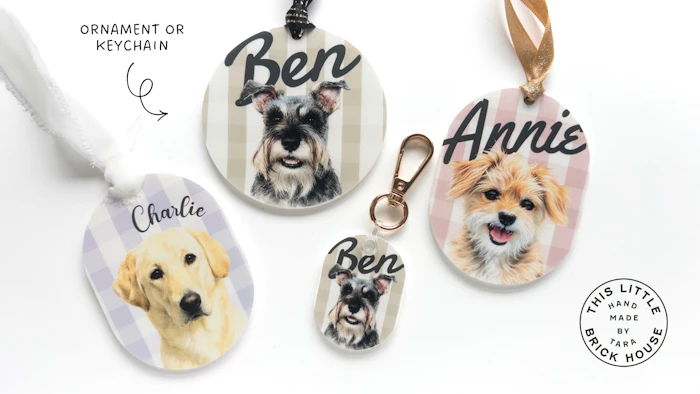
Create this pet ornament or keychain (see below) print & cut file by selecting the shape and name style. Update the pets name and upload the photo. You can adjust the scale and position of the photo on the ornament. Then select your plaid colors (or no background). Lastly, under the Name Adjustments folder, you can select the font and psotion/sizing of the name.
Optional step: When uploading a photo, if you want a cutout of the pet you are adding, you will need use an app or website that can remove the background from your photo. I use Canva Pro, but there are free websites out there, such as https://www.remove.bg/. I also took the pet image and uploaded it to chatGPT and asked it to turn the image into a watercolor portrait. You can skip this and leave the image as is, or have fun with this by requesting a variety of artistic styles.
Because plaid patterns feature varying levels of transparency, it is best to do a test print (see below) to assess colors.
Links (may contain affiliate links)
Ornament Version
Keychain Version
TEST PRINT
Be sure to test print onto same color material the final product will be printed on.