Fox Ornament
 Deanna's Wooden Art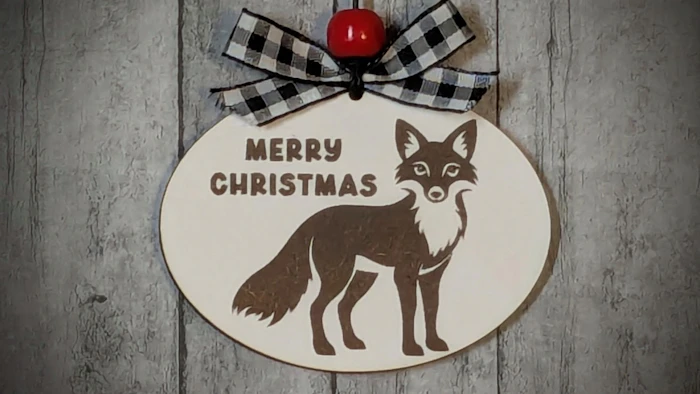
Create this Personalized Fox Ornament by adding a Name or Short Phrase. Choose from an Engraved or an Easy Score Version. This Template is also Available to 3D Print.
Directions:
Type in a Name and choose a Font.
If creating Multiple Lines of Text, You may wish to use Line Height to adjust the vertical space between the lines of text.
If a Hanging Hole is not desired, Uncheck the Include Hole checkbox.
The Selection option allows you to choose an Engraved or Scored version of the design.
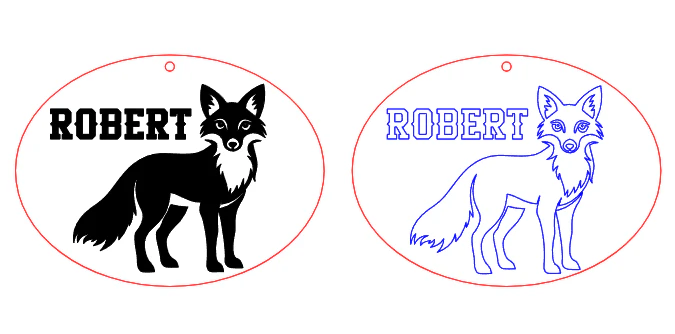
Red=Cut, Black=Engrave, Blue= Score
Material Used in Example:
Dry Erase Board / Chalkboard from Lowes

3D Print Option:
Try this Template Next:


Visit Deanna's Wooden Art for More Templates HERE
Makes & Comments
You must be a member of Cuttle Pro to post in this area.